Internet Explorer is not supported
Sorry, please use another browser such as Google Chrome or MozillaFirefox

- Home
- Change pass in Dental System
How to type in your password on the Communicate
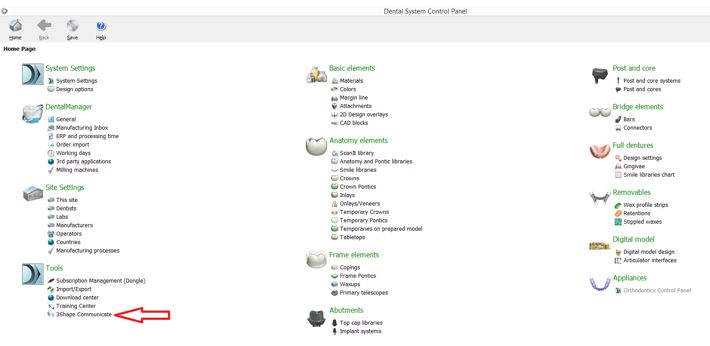
Open 3Shape Dental System Control Panel by clicking the icon on your desktop.
Then click on the 3Shape Communicate tab:
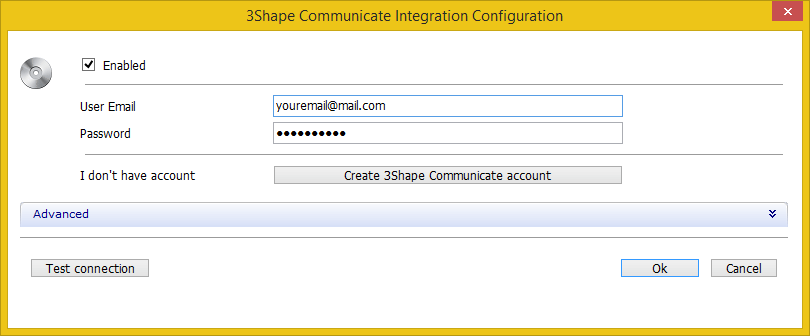
Follow the next steps:
- Click Configure at 3Shape Communicate Integration section.
- Put your new password to the password edit box.
- Click OK to confirm.
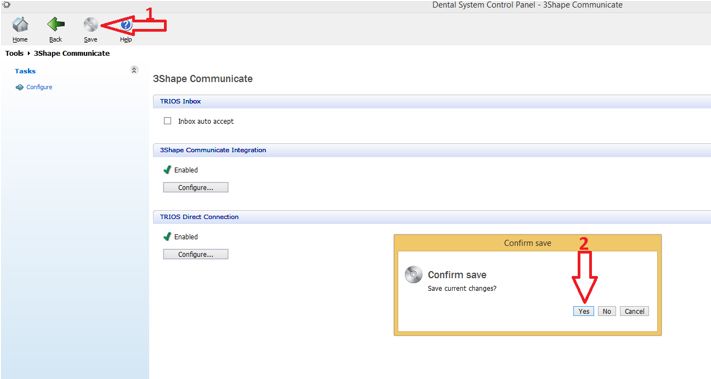
Please confirm the changes made in the Control Panel:
- Click on Save
- Hit Yes